

Knowing how to choose the right smart locks for your home has become an essential skill as keyless entry, remote access, and home automation move from luxury to mainstream. The global smart lock market is projected to surpass $6 billion by 2027, fueled by rising demand for connected security. This guide breaks down every critical factor — from connectivity protocols to ANSI ratings — so you can make a confident, informed purchase before spending a dollar. For a broader overview of smart home security, NIST’s IoT security guidelines offer a solid foundation.
Understanding How Smart Locks Work
Smart locks replace or augment a traditional deadbolt with an electronically controlled mechanism. A motorized actuator physically moves the bolt, while an onboard wireless module communicates with your smartphone, hub, or voice assistant. Authentication — whether biometric, PIN, or proximity-based — determines who gets in and when.
Core components of a smart lock:
- Motorized deadbolt — the mechanical heart that extends or retracts the bolt on command
- Wireless communication module — Bluetooth, Wi-Fi, Z-Wave, Zigbee, or Matter chip
- Authentication interface — keypad, fingerprint reader, NFC reader, or proximity sensor
- Onboard processor and firmware — manages encryption, access logs, and automation rules
- Power source — typically AA or AAA batteries, occasionally rechargeable packs
Types of Smart Lock Connectivity
The wireless protocol a lock uses dictates its range, battery impact, and smart home compatibility. Choosing the wrong protocol is one of the most common — and most expensive — mistakes buyers make.
| Protocol | Typical Range | Power Consumption | Smart Home Integration |
|---|---|---|---|
| Bluetooth (BLE) | 30–100 ft | Very low | Smartphone only (no hub required) |
| Wi-Fi | Whole home | High (drains batteries faster) | Direct cloud/remote access, broad platform support |
| Z-Wave | Up to 100 ft (mesh) | Low | Requires Z-Wave hub; excellent for automation |
| Zigbee | Up to 100 ft (mesh) | Very low | Requires Zigbee hub (e.g., SmartThings, Hue) |
| Matter | Varies by underlying radio | Low to moderate | Universal — Apple, Google, Amazon, Samsung |
Keyless Entry Methods Explained
- PIN Keypad — Affordable and universal; codes can be shared easily but can be shoulder-surfed or worn visibly on frequently pressed keys.
- Fingerprint Scanner — Highly convenient, eliminates code-sharing issues; struggles in wet or cold conditions and typically costs more.
- Mobile App (Bluetooth/Wi-Fi) — Rich feature set including remote access and logs; requires a charged phone and an active network connection.
- RFID/NFC Card or Fob — Fast and reliable; physical cards can be lost or cloned without proper encryption.
- Voice Control (Alexa/Google) — Hands-free convenience; requires a wake word spoken aloud, raising privacy and household security considerations.
Security Features That Matter Most
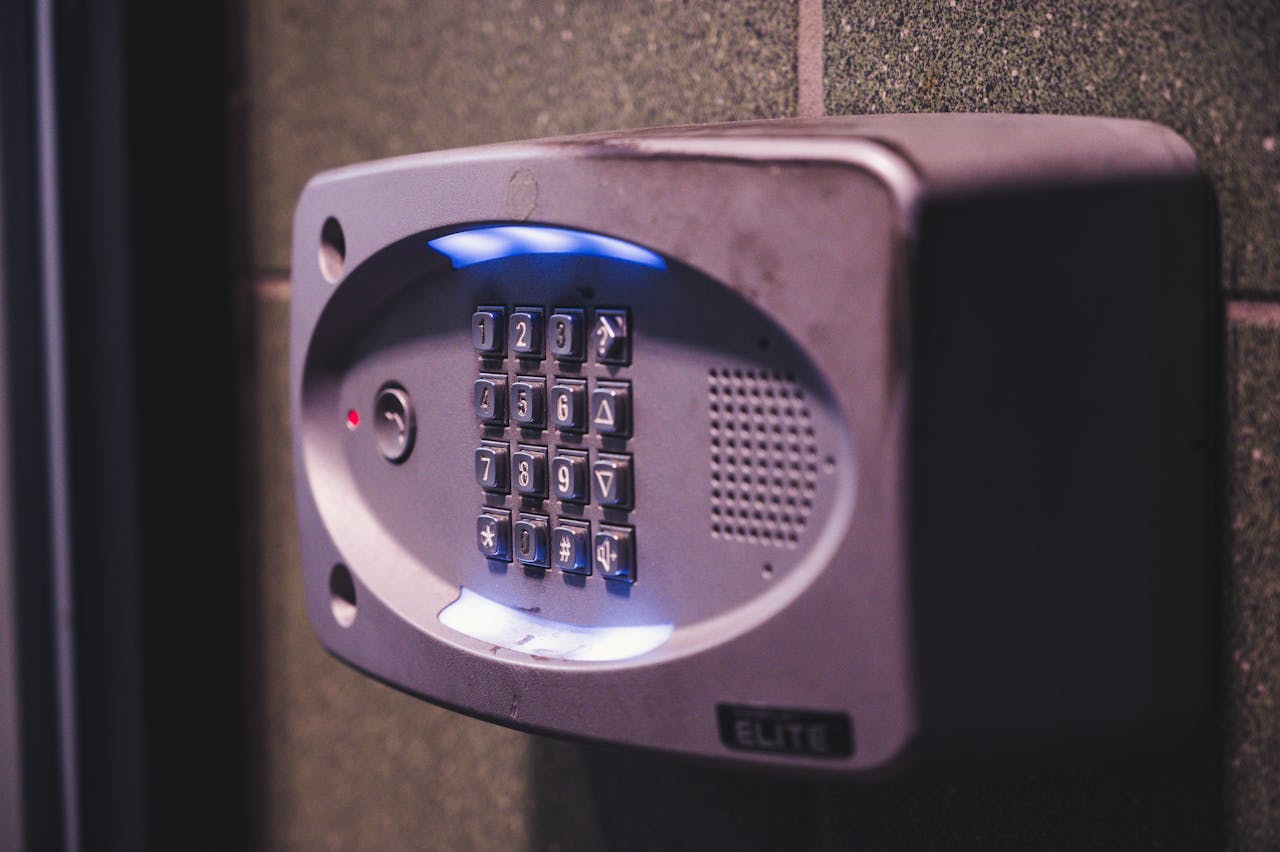
A smart lock is only as strong as its weakest security layer. Beyond the physical bolt, digital vulnerabilities — unencrypted communications, weak password policies, and outdated firmware — can leave your door wide open to remote attackers. Security must be evaluated at both the hardware and software level before any purchase.
Essential security features to verify:
- AES-128 or AES-256 encryption on all wireless communications
- Two-factor authentication (2FA) for app access and admin changes
- Automatic firmware updates delivered over-the-air (OTA)
- Tamper detection alerts that notify you of forced-entry attempts
- Anti-pick, anti-drill, and anti-bump cylinder on the physical lock body
- Privacy mode that disables remote access entirely when activated from inside
Encryption Standards and Data Protection
Look specifically for locks that use AES-256 encryption — the same standard used in banking and military communications. Cloud-stored access logs should be held on SOC 2-compliant servers, and credentials should never be transmitted in plain text. Brands that publish third-party penetration test results offer the highest level of verifiable assurance. For guidance on evaluating connected device security, the FTC’s consumer privacy resource provides actionable benchmarks.
Physical Durability and ANSI Ratings
The ANSI/BHMA grading system is the industry standard for evaluating a lock’s mechanical strength. Higher grades indicate more cycles tested, greater resistance to forced entry, and more durable finishes. Always choose at least Grade 2 for residential use; opt for Grade 1 on primary exterior doors.
| ANSI Grade | Duty Rating | Cycle Rating | Best Use |
|---|---|---|---|
| Grade 1 | Heavy-duty commercial | 250,000+ cycles | Front door, high-traffic entry |
| Grade 2 | Standard residential | 150,000 cycles | Main exterior residential doors |
| Grade 3 | Light-duty residential | 75,000 cycles | Interior doors, low-traffic use |
Compatibility with Your Existing Door and Smart Home System
Installing an incompatible smart lock is a costly mistake that often goes unnoticed until the product arrives. Door thickness, backset measurement, and your existing smart home ecosystem all determine which models will actually work in your specific setup.
- Measure your door thickness (standard is 1⅜” to 1¾”)
- Determine your backset distance (2⅜” or 2¾” from door edge to hole center)
- Confirm whether you need a deadbolt-only replacement or a full handleset
- Check your smart home hub’s supported protocols (Z-Wave, Zigbee, Matter)
- Verify compatibility with your preferred voice assistant (Alexa, Google, Siri/HomeKit)
Smart Home Ecosystem Integration
| Platform | Key Feature | Protocol Required |
|---|---|---|
| Amazon Alexa | Voice lock/unlock, routines | Wi-Fi, Z-Wave (with hub), Matter |
| Google Home | Automations, status checks | Wi-Fi, Matter |
| Apple HomeKit | Secure end-to-end encrypted control | Wi-Fi, Matter |
| Samsung SmartThings | Broad device ecosystem, scenes | Z-Wave, Zigbee, Matter |
Essential Features for Everyday Convenience
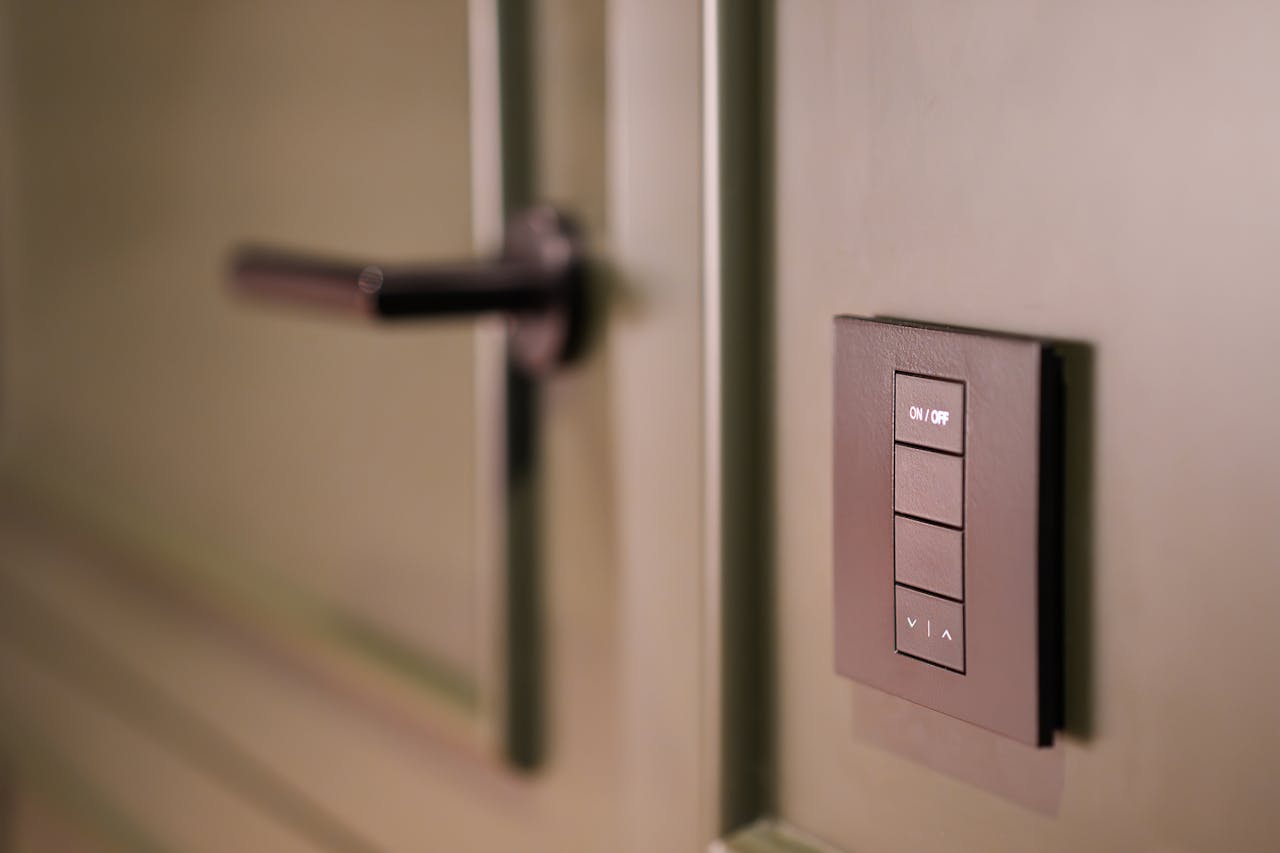
Beyond security, the best smart locks dramatically simplify daily life. The right feature set reduces friction — no more hiding spare keys under doormats or rushing home to let in a plumber. Convenience features also enhance security indirectly by eliminating risky workarounds.
- Remote lock/unlock via smartphone app from anywhere with internet
- Activity logs with timestamped entry records for every user
- Temporary access codes that expire automatically after a set window
- Auto-lock timer that re-engages the bolt after a defined interval
- Geofencing that unlocks automatically as your phone approaches
- Real-time push notifications for every lock or unlock event
Comparing Smart Locks by Use Case
| Use Case | Priority Features | Recommended Lock Type |
|---|---|---|
| Families | Multiple user profiles, activity logs, child-safe PIN codes | Keypad + app with user management |
| Rental / Airbnb | Temporary codes, remote management, no physical key handoff | Wi-Fi keypad lock with guest code scheduling |
| Tech-integrated homes | Voice control, Matter/Z-Wave, automation routines | Matter-compatible hub-connected lock |
| Elderly users | Simple PIN entry, large keypad, reliable backup key | Keypad deadbolt with physical key override |
Battery Life, Maintenance, and Backup Options
A smart lock with a dead battery is effectively a locked door with no key. Power reliability must be a primary consideration, not an afterthought. Most residential smart locks run on standard AA batteries, but battery life varies dramatically by protocol and usage frequency.
| Battery Type | Typical Lifespan | Common Use |
|---|---|---|
| 4× AA Alkaline | 6–12 months | Most BLE and Z-Wave locks |
| 4× AA Lithium | 12–24 months | Cold-climate or high-frequency use |
| Built-in rechargeable | 3–6 months per charge | Wi-Fi locks with USB-C charging |
| 9V external terminal | Emergency only | Backup power when internal battery dies |
Always choose a lock with a physical key override as a last resort backup. Some models also include an external 9V battery terminal on the keypad, allowing emergency power delivery to unlock the door even with fully depleted internal batteries.
Cost vs Value: Setting the Right Budget
| Tier | Price Range | Typical Features | Best For |
|---|---|---|---|
| Budget | $50–$100 | Bluetooth only, basic PIN, no remote access | Secondary doors, low-traffic use |
| Mid-range | $100–$200 | Wi-Fi or Z-Wave, app control, activity logs, auto-lock | Primary residential entry |
| Premium | $200–$400+ | Matter, biometrics, full ecosystem integration, ANSI Grade 1 | Tech-integrated homes, rentals, high-security needs |
When to Invest in Premium Features
Premium smart locks justify their price when your household relies heavily on smart home automation, manages multiple users with varying access levels, or operates a short-term rental property. The cost of a single locksmith call — or a compromised entry — frequently exceeds the price difference between mid-range and premium tiers. If Matter compatibility, ANSI Grade 1 construction, or built-in biometrics are on your requirements list, budget accordingly from the outset.
Conclusion
Choosing the right smart lock requires balancing security standards, physical compatibility, connectivity protocol, convenience features, and total cost of ownership. Start with your door’s physical measurements and your smart home ecosystem, then layer in the security requirements — AES encryption, ANSI Grade 1 or 2 rating, and tamper detection — before evaluating convenience features like geofencing and temporary codes. A lock that excels in one category but fails in another creates vulnerability. Prioritize long-term reliability and verifiable security certifications over flashy features, and your front door will remain both smart and genuinely secure for years to come.